How to replace roller mop without streaking e25 e28: how to Replace the E25/E28 Omni Roller Mop Without Streaking (UK Checklist)
If you are looking for how to replace roller mop without streaking e25 e28, start here: streaks on hard floors after a mopping run usually point to a worn or dirty roller mop, or residue left in the mopping path. Swap the roller mop and clean the chamber before you resume cleaning.
Direct answer: streaks often mean a worn/dirty roller mop or a dirty mopping path — swap and clean the chamber
Streaking after mopping is often an ownership issue rather than a mystery fault. A roller mop that is worn, loaded with residue, or seated in a chamber that still holds grit can leave marks on hard floors. The practical fix is to replace the roller mop with a Compatible spare for the Eufy E25 Omni or E28 Omni, and to wipe the mopping path clean before the next run.
Pre-swap: pause cleaning, remove worn roller mop, wipe chamber and rollers of residue
Pause the robot and any active cleaning job first. Remove the worn roller mop carefully so you do not drag damp residue across the floor. Wipe the mop chamber and any visible rollers of film, hair, or grit. A clean seat matters as much as the new part: leftover debris can reprint streaks even after a swap.
- Stop the cleaning cycle before you open the mopping assembly.
- Lift out the worn roller mop without scraping it across finished flooring.
- Wipe the chamber and contact areas until residue is gone.
Install Compatible roller mop squarely; confirm seating before resuming
Fit a Compatible roller mop made for the Eufy E25 Omni and E28 Omni only. Seat it squarely in the chamber so the ends and drive path line up without force. Confirm the part is fully seated and free to turn before you restart mopping. Do not treat a Compatible mop as identical to an official original microfibre part; use it as a matching spare for these two models only.
Post-check: water level, pad wash cadence, and a short test pass on hard floor
After install, check the water level so the mop is damp enough to clean but not flooding the floor. Keep a sensible pad-wash cadence so the roller does not carry dirty water back onto hard surfaces. Run a short test pass on a small hard-floor area and look for even moisture and a clear trail before returning to a full-home job.
- Confirm water level for a light, even dampness.
- Wash or refresh the pad on a regular cadence between mopping sessions.
- Complete a short hard-floor test pass and inspect for streaks.
If a new roller still streaks: chamber debris and water settings before blaming the part
If streaking continues after a fresh Compatible roller mop, re-check the chamber for missed debris and review water settings before assuming the spare is at fault. Residue left in the path, an over-wet setting, or an under-washed pad can still mark hard floors. Clean again, adjust water modestly, and repeat a short test pass.
A new roller mop will not fix streaks if the chamber or mopping path is still dirty, or if water delivery is clearly too high or too low for the floor.
Next step to Compatible kit that includes the roller mop spare
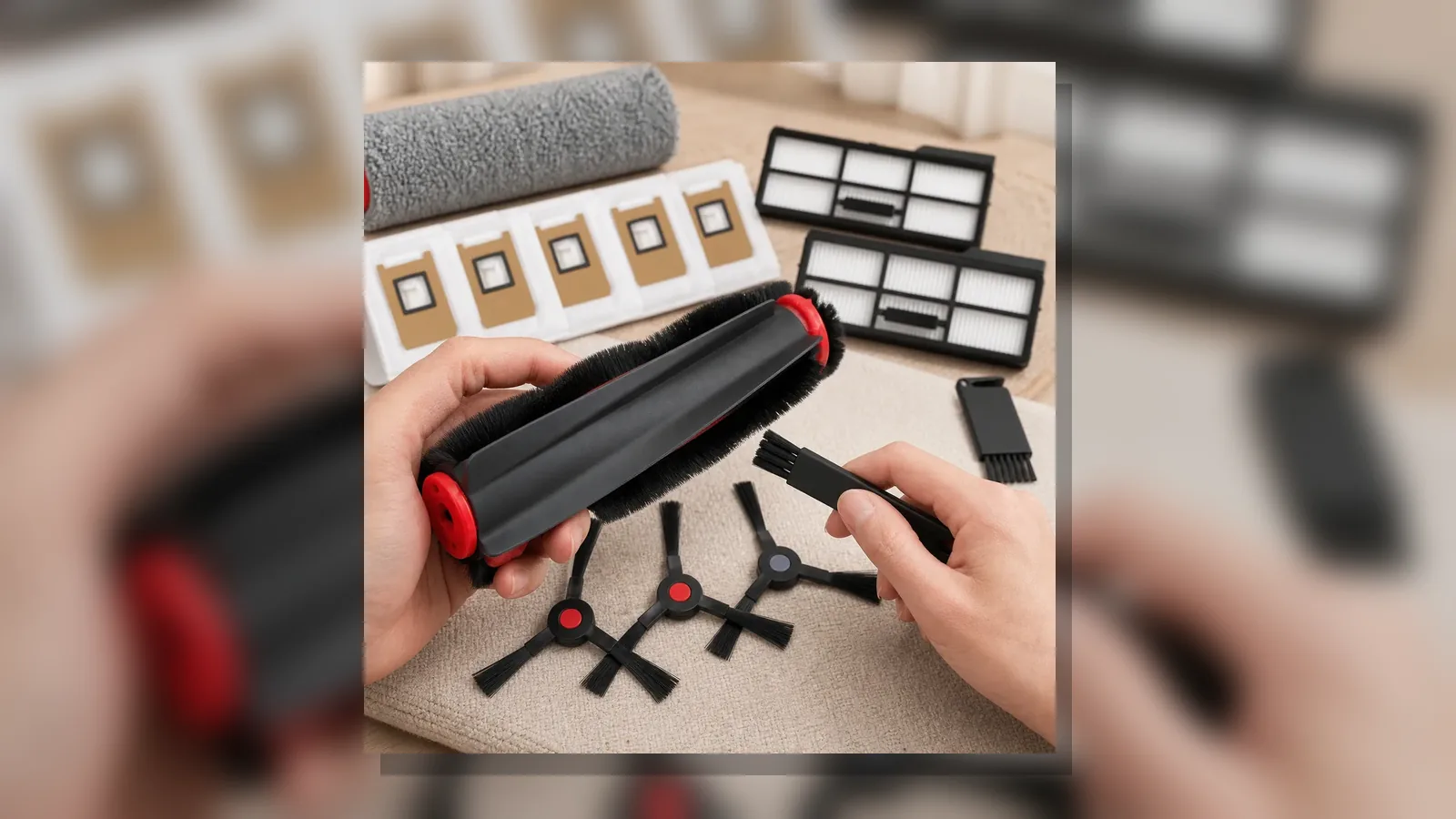
When you need a Compatible refill for the Eufy E25 Omni or E28 Omni, choose a kit scoped to those models only. Typical accessory families in such a kit include the main brush, roller mop, side brush, filter, dust bag, and cleaning-brush parts; exact pack quantities are not confirmed here, so treat the listing as a component-family guide rather than a counted packing list.
Review the Compatible E25 Omni and E28 Omni replacement accessories kit when you are ready to order a roller mop spare alongside the other refill families.