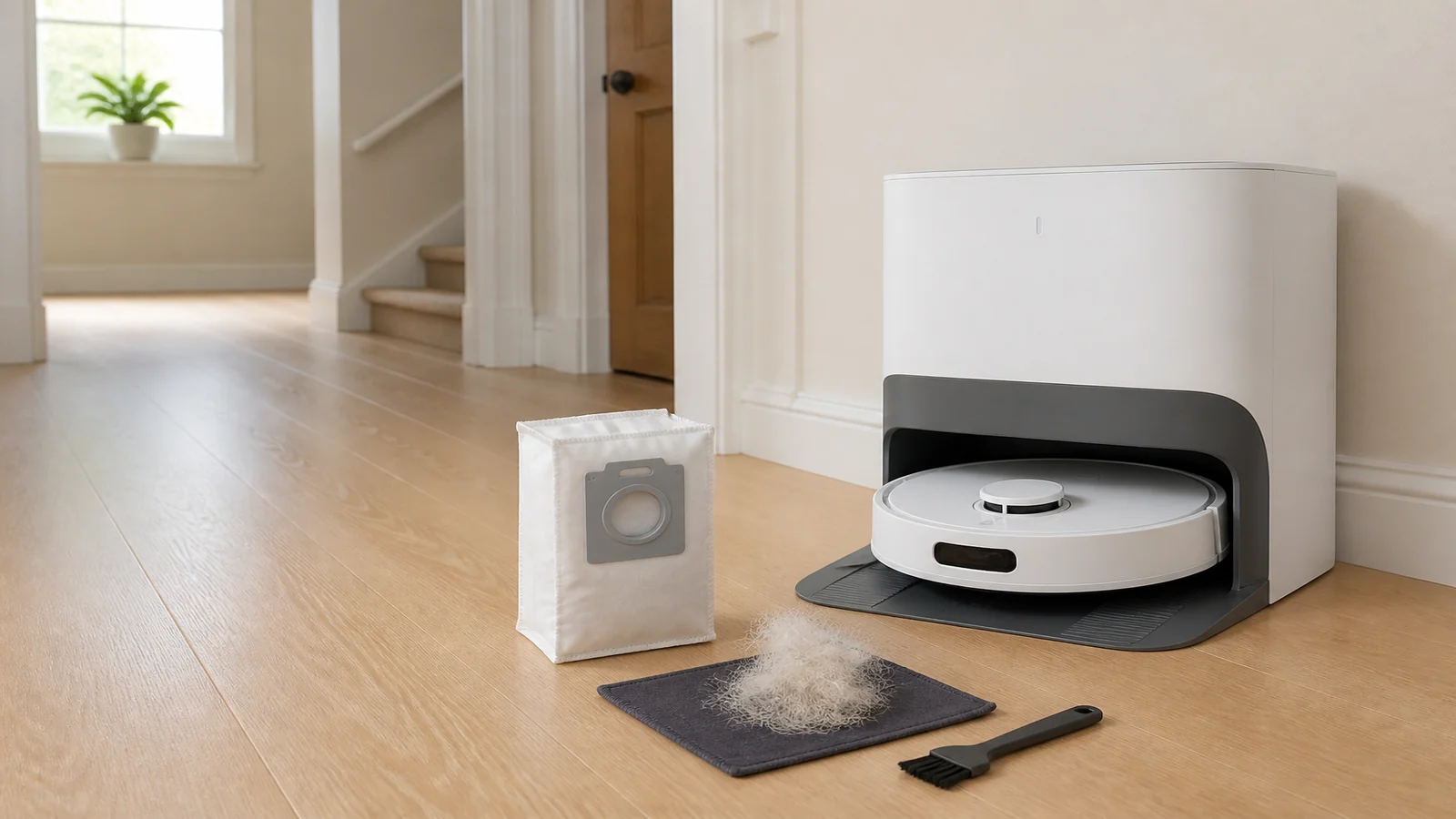
Eufy E25 Dust Bag Full Too Quickly with Pets? A Practical UK Fix
A dust bag that fills faster than you expected in a pet home is often extra hair and dander, not a failed station. Confirm the bag is seated, clean the robot dustbin and filter, check accessible outlets for hair, then review Pet Mode and auto-empty frequency before you throw away a bag that is simply doing its job.
This guide is for UK owners of the eufy Robot Vacuum Omni E25 who want a safe inspection order: what to look at, what to clean, what to replace, what to leave alone, and when to stop.
Is a fast-filling E25 dust bag normal in a pet home?
Often, yes. Official UK listing for the eufy 3L dust bag for E25 and E28 describes a 3 litre sealed bag and an “up to 75 days” hands-free claim. That figure is a manufacturer claim based on internal testing, and the same page says results vary with the home. Pet hair, long fur, and frequent cleaning all load the bag faster than a quiet, pet-free flat.
eufy’s own reuse article for a different model, the Auto-Empty C10, is useful only as a pattern, not as an E25 timetable. In Can the dust bag be reused?, eufy gives C10 examples: a three-person home without pets, with one pet, and with two pets, with shorter suggested change intervals as pet load rises. Those day counts are for the C10 bag, not for the E25 or E28. Treat them as a reminder that pets shorten bag life, not as a promise for your station.
If the bag looks packed with hair after a few busy days, that can still be expected. The problem to solve is whether the station is transferring dust as designed, or whether a blockage, a poorly seated bag, or an infrequent empty cycle is making the bag look “full” while the robot bin is still holding debris.
What should I check before replacing the bag?
Do not replace a bag only because the calendar feels early. Work through physical checks first. Official E25 and E28 suction troubleshooting starts with settings and cleaning, then blockages, then the bag itself. See E25/E28 weak suction troubleshooting.
- Pause the job and unplug the station before you put your hands near inlets or covers.
- Open the station lid and look at the bag. A bag that stands open, sits crooked, or has a handle left unlatched can leak dust back into the dock and trigger a full warning early.
- Remove the bag by the handle and close that handle so loose dust does not spill. Official handling for self-empty stations is summarised in Tips on Using the Self-Empty Station and Dust Bag: lift the cover, pull the handle, close the handle, fit a clean bag, then close the lid. That article is written around other eufy self-empty models, so use it for the bag-handling sequence, not as a claim that every internal part of an E25 dock is identical.
- Look into the bag cavity and around the station filter. Hair packed on a station filter can choke airflow even when the bag is only partly used.
- Take out the robot dustbin and filter. Clean both thoroughly and let any washed parts dry fully before the next run. A clogged robot filter makes the station work harder and can leave debris in the bin after an empty cycle.
- Check the dustbin outlet and other user-accessible openings for hair, string, or a trapped object. Official E25/E28 guidance names a blocked dustbin outlet as a common cause of weak suction.
Diagnostic ladder: bag, airflow, then settings
Use this ladder in order. Stop when you find a cause; do not skip to a new bag at the first warning.
- Bag seat and fill. Is the bag fully home, handle closed, lid shut? Is the bag actually packed, or only dusty at the mouth?
- Robot bin and filter. Empty and clean both. If the robot bin is still half full after a dock empty, the bag is not the only issue.
- Accessible hair and objects. Clear the dustbin outlet and any hair you can see without opening sealed electronics.
- Station filter and bag cavity. Clean only the parts the manufacturer treats as user-serviceable. Dry any moisture before reassembly.
- Pet Mode and empty frequency. Only after the path is clear, change settings if the home has pets and empties are infrequent.
- Replace the bag. Fit a sealed bag that the current UK listing states is compatible with Omni E25, then watch one full clean.
- Escalate. If emptying is still incomplete after a seated new bag and a clean path, contact eufy support rather than opening the motor housing.
Should I change the auto-empty frequency?
Yes, if the home has pets and the robot is waiting too long between dock empties. Official E25/E28 suction help says: if dust collection is less often than once every 30 minutes and you have pets, enable Pet Mode and change dust collection frequency to every 15 minutes in the eufy Clean app. That is a documented E25/E28 recommendation, not a general guess.
More frequent emptying moves hair out of the small robot bin before it mats at the outlet. It can make the station bag fill faster, which is the intended trade-off. Do not treat a fuller bag after you switch to 15-minute empties as proof that the bag is defective. Check whether the robot bin is now emptying more completely. If it is, the setting is working.
If you do not have pets, do not copy pet settings just because a neighbour does. Use the app controls that exist on your current software build rather than looking for extra menus, filter grades, or hidden toggles.
Can I empty and reuse a sealed dust bag?
For the C10, eufy states the dust bag is non-reusable even though it can last many weeks. The E25 bag listing emphasises a sealed, leak-resistant design. Do not cut a sealed bag open, shake it out, and refit it. You risk a poor seal, dust blow-back into the dock, and a false full warning.
If you removed a bag only to inspect it and it is still clearly under-filled, with the handle and seal intact, you may refit that same unused bag after you have cleaned the cavity. That is reseating, not reusing a spent bag. Once a bag is packed, damp, torn, or unsealed, replace it. Close the handle before you carry it to the bin.
Who this article is not for
This article is not for other robot vacuum models, including C10, C28, or older self-empty docks, except where their support pages are quoted as examples. It is not for owners who want a guaranteed number of days from every bag. It is not a repair guide for dismantling sealed motors, cutting wiring, or forcing third-party bags that do not match the installed collar. It is not for holiday-let stock planning; that is a different job.
When should I stop troubleshooting and contact support?
Stop troubleshooting and contact eufy support if you smell burning, see scorch marks, or the station stays unusually hot after a short empty. Unplug it first. Stop if the lid will not close on a correctly oriented bag, if you cannot refit a user cover after the official air-duct check, or if debris still sits in the robot bin after a new, seated bag and a clean filter. Stop if you would need tools beyond a thin rod for the documented lower air-duct cover step in the E25/E28 suction article. Do not keep running empties through a path you cannot clear.
eufy’s E25/E28 suction page already points owners to support engineers when the listed checks do not restore performance. Use that route rather than improvising.
If a replacement bag is the next step
If the ladder shows a packed, torn, or poorly sealing bag, replace it with a bag the official UK page lists for Omni E25. After fitting, run one clean and confirm the robot bin is emptying. If you also need a filter, brush, or mop roller at the same time, you can review the E25 and E28 replacement accessories kit and still match each part to the piece on the robot before you fit it.