Eufy Clean App Accessory Life Reset E25 E28: What to Do First
Reset an accessory reminder on the eufy Clean app only after you have inspected the named part, cleaned it if it is still serviceable, and recorded what you found. The reminder is a usage prompt, not a diagnosis that the part has failed. If you reset first, you can hide a clogged filter or a packed bag and then wonder why suction or mopping still feels poor.
This UK guide is for Omni E25 and E28 owners who see an accessory-life notice and need a calm order of work: inspect, clean or replace, record, then reset if the app offers that control on your software build.
Should I reset an accessory reminder before cleaning the part?
No. Clean or replace first. Official E25/E28 maintenance is model-specific; start from E25/E28 cleaning and maintaining accessories and the steps in your printed or in-app manual for that exact part. The UK Accessories Package for eufy Robot Vacuum Omni E25/E28 tells owners to clean the filter frequently and recommends replacing the brush, roller mop and dust bag every 2–3 months, depending on how often the robot runs. That is general manufacturer guidance, not a stopwatch you must obey on a quiet week or ignore in a shedding season.
A reminder that appears early in a pet home can still be useful. Hair loads brushes and filters faster. Treat the notice as a prompt to look at the part, not as an order to buy a full kit or to tap reset so the screen goes quiet.
Which parts need inspection rather than automatic replacement?
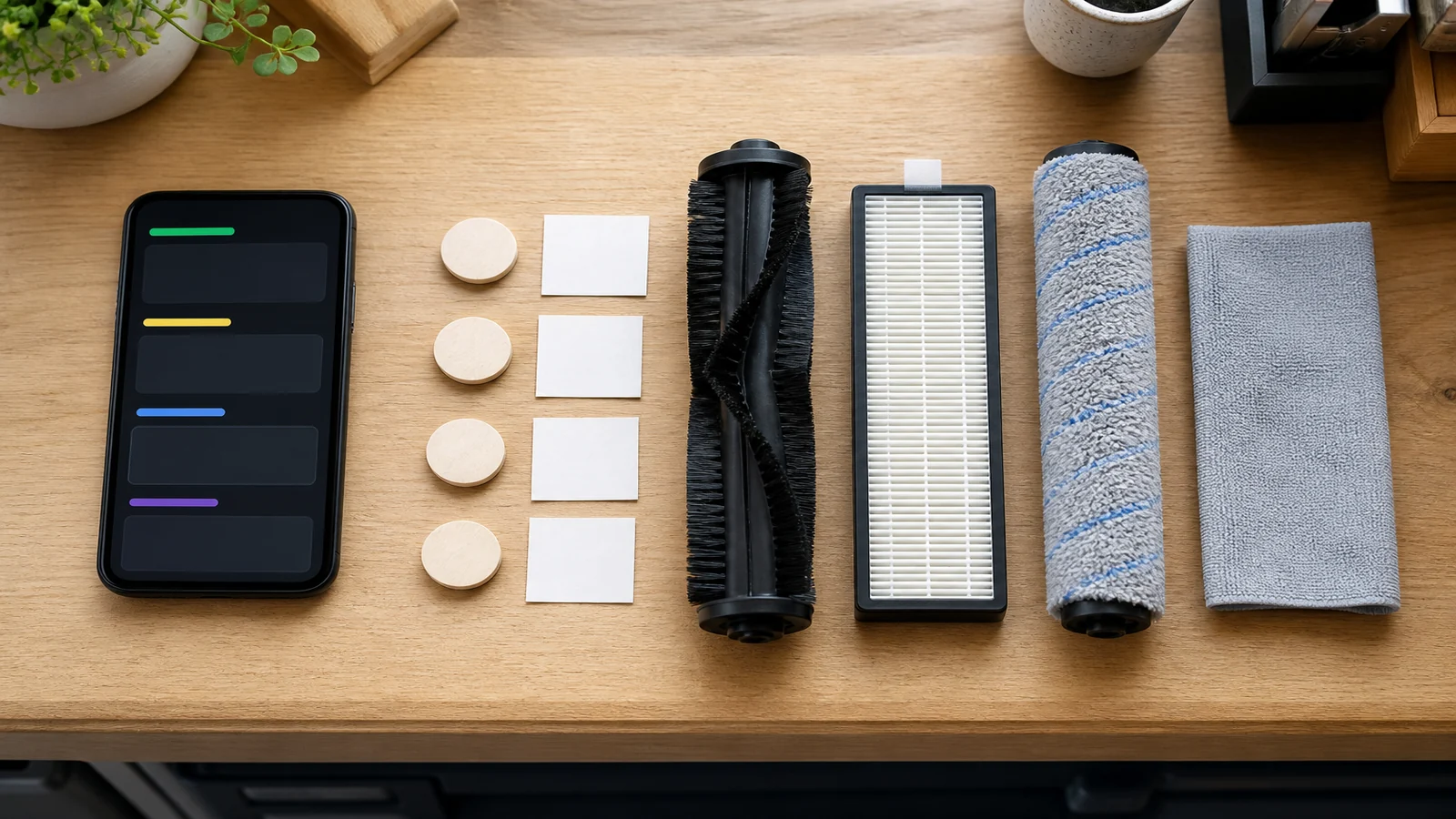
Inspect every named part. Replace only what is worn, torn, clogged beyond cleaning, or listed as a disposable bag. Typical E25/E28 consumables on the official package page include side brushes, a robot filter, a rolling brush, station dust bags, roller mops, and dirty-water reservoir filters. Use that list as a map of what exists, not as a requirement to change every item on the same day.
- Filter. Tap out dust. If the manufacturer allows rinsing, rinse and dry fully. Replace if the media is torn, crushed, or still blocks airflow after cleaning. Official suction help for these models also asks you to clean the dustbin and filter before judging performance; see E25/E28 weak suction troubleshooting.
- Rolling brush and side brushes. Cut away hair, check for a flat spot, missing tufts, or a cracked mount. A hairy brush is often a clean, not a replace.
- Roller mop. Rinse if the manual allows, then dry. Replace if it stays sour after washing and drying, or if the fabric is worn through.
- Dust bag. Sealed bags are not a wash item. Replace when packed, wet, or damaged.
- Dirty-water reservoir filter. Rinse on the schedule your manual gives. Replace if it will not rinse clear or has broken edges.
Do not assume a third-party part will last the same interval as the official package. Stay with the filter type and app screens that are actually in front of you; extra grades and extra tiles that are not on your build are out of scope.
Inspection checklist before any reminder reset
Work the list once per reminder. Tick only what you have actually done.
- Read the reminder text and write down which accessory it names.
- Unplug the station if you need to handle dock parts; power the robot off if you are removing brushes or the bin.
- Remove the named part and photograph it next to a note of the date.
- Clean it using only methods the E25/E28 accessory guide or your manual allows for that part.
- Decide: still in service, replace now, or stop and ask support.
- If replacing, match the new part to the old one by shape, seal and fittings before you discard the old piece.
- Refit the part so covers close without force.
- Only then look in the eufy Clean app for a reset or “replaced” control on your current build. If no such control is visible, do not hunt through unrelated menus; contact support and ask which screen applies to E25/E28 on your app version.
What should I record before resetting the reminder?
Write four lines so you can tell a genuine new reminder from a stuck one:
- Date and which accessory the app named.
- What you saw (hair wrap, tear, packed bag, damp mop, crushed filter).
- What you did (cleaned, replaced, left in service).
- App version if you can see it, and whether you tapped a reset control.
That record is what you send to support if the same notice returns the next morning. Without it, neither you nor an engineer can tell a timer reset from a part that is still blocked.
What if the reminder returns immediately?
Do not reset it again in a loop. Recheck the physical part: a filter that is still wet, a bag that is not seated, or a mop roller that never clicked home can bring the notice back. Confirm the robot and station are the E25 or E28 you think they are, not a second robot on the same account.
If the part looks correctly fitted and clean, and the notice returns within a day, treat it as an app or sensor issue. Contact eufy support with your note, rather than replacing a second set of unused parts. Weak suction after a reset is a physical problem until proven otherwise: clean the bin and filter, check pet empty frequency, and look for a full bag using the official E25/E28 suction steps.
Who this article is not for
This article is not for other robot vacuum models or for owners who want a hidden menu map of the eufy Clean app. It is not a licence to reset reminders so you can skip cleaning. It is not for people trying to make third-party parts “count” as official life timers. It is not a firmware-repair walkthrough.
When should I contact eufy support?
Contact eufy support when the reminder returns immediately after a documented clean or replace, when you cannot find any reset control on your current app build, when a cover will not close on the correct part, or when you smell burning or see damage. Unplug the station if you smell burning and stop using it. Do not keep resetting a notice to silence a robot that still fails to empty or still mops with a sour roller.
If inspection shows a spent bag, filter or mop and you need the matching consumables, you can review the E25 and E28 replacement accessories kit after you have recorded which part actually failed the check.